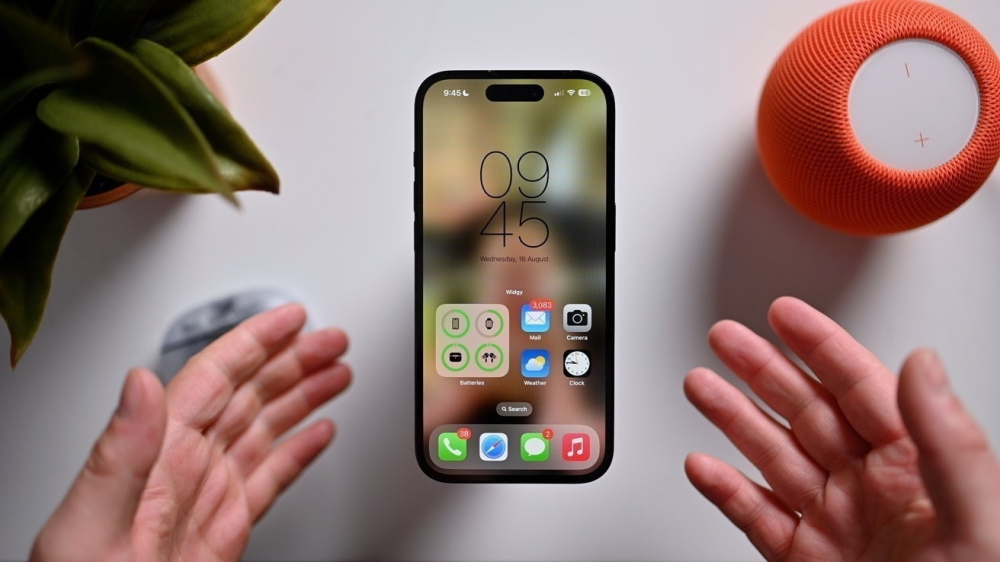
The importance of activating emergency alerts in the digital age
In an increasingly interconnected world where societies rely heavily on technology, smartphones have become vital tools not only for communication but also for ensuring personal and public safety. One of the most prominent features that exemplifies this role is government emergency alerts, which serve as the first line of defense for citizens and residents against imminent dangers. Activating this feature on your phone is a simple, proactive step that can help save lives and property in the event of natural disasters or security crises.
Historical background and development of early warning systems
Early warning systems are not a recent invention; they have evolved over decades, starting with traditional sirens and radio and television alerts. With the digital revolution, Cell Broadcast technology emerged as an innovative and highly effective solution. Unlike SMS messages, which can experience network congestion and delays during emergencies, Cell Broadcast sends geographically targeted messages to all phones connected to specific cell towers in the danger zone, ensuring that warnings reach millions of users instantly and reliably within seconds. Many countries around the world have adopted similar systems, such as WEA in the United States and EU-Alert in the European Union, reflecting the international importance of this technology in crisis management.
Local and regional impact of the national early warning platform
Domestically, these efforts fall under the umbrella of the National Early Warning Platform, which aims to enhance community preparedness for various types of emergencies, aligning with the goals of the Kingdom’s Vision 2030 to build a vibrant and safe society. The ability to send accurate and immediate warnings about flash floods, severe sandstorms, or any other emergency strengthens the capacity of relevant authorities to manage crises effectively and gives individuals valuable time to take necessary precautions. This system’s impact extends beyond the local level, enhancing the Kingdom’s reputation as a safe destination for tourists and visitors, who can also receive these alerts on their mobile phones.
Steps to activate notifications on iPhones
The iOS system is characterized by the simplicity of activating this feature, and iPhone users can complete the process in just two steps:
- Go to the “Settings” on your device.
- Scroll down and select “Notifications ,” then scroll to the bottom of the list and you will find the “Government Alerts “Urgent Alerts” and “Emergency Alerts” options are enabled .
Steps to enable notifications on Android devices
The steps may vary slightly between Android devices due to the diversity of user interfaces, but the general method requires about five steps:
- Open “Messages” .
- Click on the menu icon (usually three vertical dots ⋮) and select “Settings ”.
- Look for the “Advanced” or something similar.
- Select “Wireless emergency alerts” .
- Within this screen, make sure that all types of alerts, such as “Extreme Alerts” and “Severe Alerts” , are activated, to ensure that all warnings are received.
The difference between an experiment and a true warning
To ensure the system's efficiency and readiness, the responsible authorities conduct periodic, pre-scheduled tests. These tests are announced through the media to avoid causing alarm. Their purpose is to test the technical infrastructure and familiarize the public with the audio alert format and content. A real alert, however, is triggered immediately and unexpectedly in the event of an imminent threat, requiring recipients to take immediate action to protect themselves.